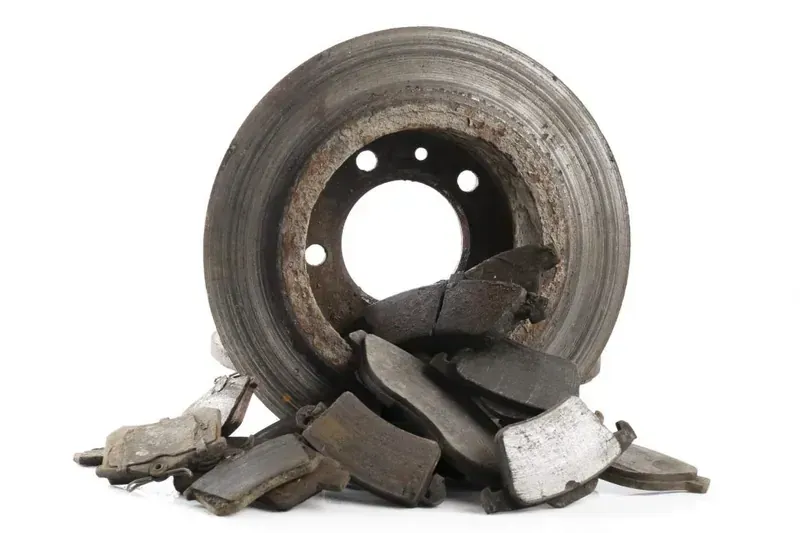


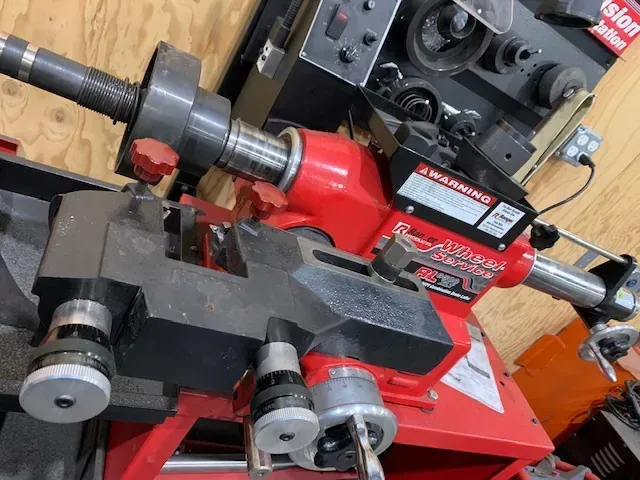
Turning (also called resurfacing) is a machining process that shaves a thin layer off the rotor surface to eliminate uneven wear, grooves, and minor warping — restoring a smooth, flat braking surface without replacing the rotor entirely.
Turn the Rotors When:
- Surface has minor grooves or scoring from worn brake pads
- Rotor shows slight warping causing pedal pulsation
- Rotor thickness is still above the minimum spec after machining
- Performing a brake pad replacement and the rotor surface is uneven
- No visible cracks, deep grooves, or heat damage are present
- Cost savings are the priority and the rotor has life remaining
Replace the Rotors When:
- Rotor thickness is at or below minimum discard thickness (stamped on the rotor)
- Surface has deep grooves, scoring, or gouges that machining cannot safely correct
- Visible cracks — even hairline — anywhere on the rotor
- Blue heat discoloration indicating the metal has been structurally compromised
- Rotor has significant rust pitting beyond surface oxidation
- Rotor is already at minimum thickness before machining — turning would take it below safe spec
- Vibration or pulsation persists after resurfacing
- High-mileage rotors where turning would leave little usable material
The General Rule of Thumb
If turning the rotor brings it below minimum thickness — replace it. A rotor that is too thin overheats faster, warps more easily, and increases stopping distances.
Pro Tip for Fleets
On commercial trucks and heavy-duty vehicles, replacement is almost always the better call over turning. The heat cycles, load weight, and stopping demands are far greater than passenger vehicles — a marginal rotor is a liability, not a savings.